
Logi Marketplace
Logi Marketplace

Lightroom
LogiRate your Lightroom images for more efficient archiving and adjust them swiftly and accurately.
Works On


Plugin Version
6.0.4.9404Popular Actions
- Navigate Photos
- Rate Photos
- Crop Angle
- Filter Photos
- Exposure
- Contrast
- Highlights
- Shadows
Languages
- English
Video
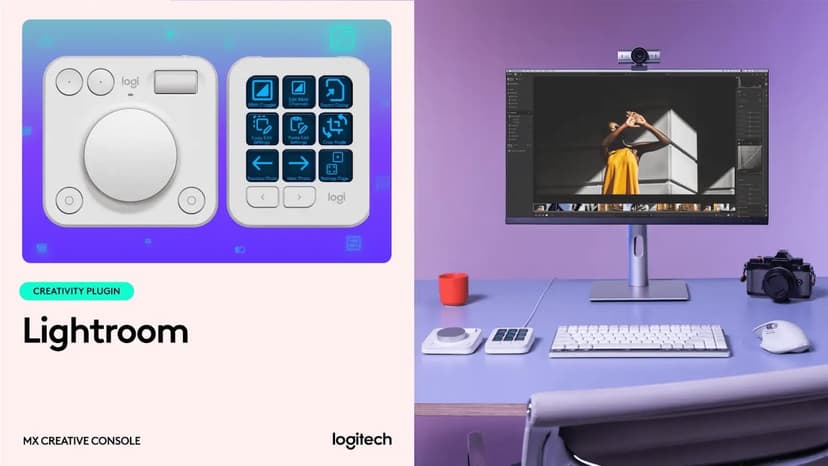

How to get seamless photo editing with MX Creative Console in Adobe Lightroom


What's New
Latest Version
6.0.4.9404FAQs
- How do I connect my MX Creative Console to the Adobe Lightroom plugin?To connect the Adobe Lightroom plugin with the target application you need to first allow external connections from the Lightroom application settings. 1. Go to Lightroom: Edit > Preferences > Interface. Click on the check box next to Enable external controllers to enable the controllers. 2. Restart the Lightroom application. Click Pair in the pairing request pop-up window. This will allow LogiPlugin to control Lightroom.